
This is an information page for Adobe Connect, our online webinar solution that allows us to host webinars directly within our site or launch the application directly on your device whether desktop or mobile.
Web Browser

Please make sure you have a newer browser and it is up to date!
??
First Time
If this is the first time accessing webinar content you will have to install the browser add on or the appropriate desktop/mobile application for your device. We host content directly from our website, so we can launch you into our webinar experience with as few steps as possible hoping to simplify the entire process.
If you have the application installed on your device our links should be able to launch the application directly and take you where you need to go. If you use your browser the experience will prompt you for a one time install then load the appropriate content for you.
Browsers
We recommend using the browser approach, you will be prompted to install the add-on using your browser the first time you try accessing our webinar. Once you install it adobe connect should load our webinar for you.
Desktop
If you prefer to use your desktop computer there are downloads available:
Mobile
If you prefer to use your mobile device there are downloads available:
Accessing Content
If the webinar has not started yet but you have successfully accessed the content you will see the following screen until a host joins to start the meeting. We always recommend coming to a meeting at least 15 minutes early in case there are technical difficulties we can troubleshoot with you.
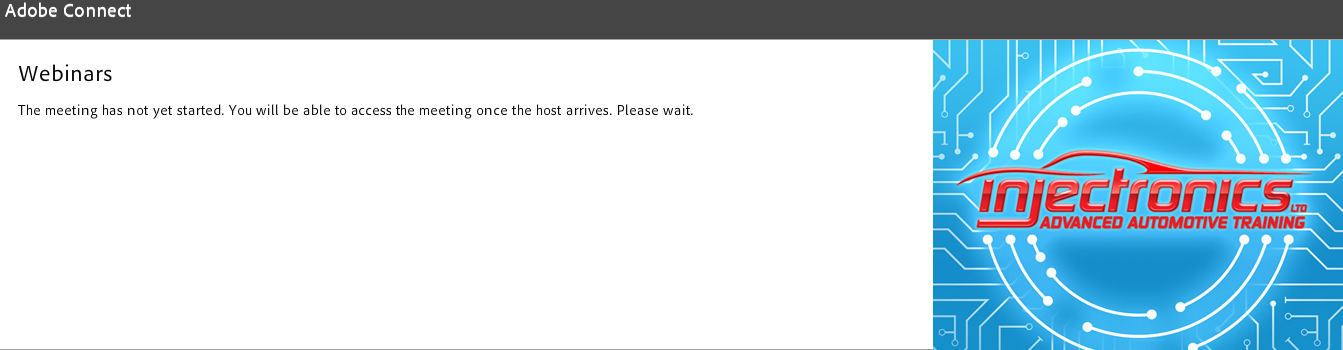
Once the webinar begins you will be able to see the host and all of the webinar content.
Technical Difficulties
In the event you are having technical difficulties please remember these key things,
- Please come to a webinar early, confirm you can log in and access the webinar
- Make sure you have an up to date browser and one of the more popular Chrome, Firefox, IE, Opera, or Safari
- Keep track of your username and password, or use forgot password by clicking here
- Contact our technical support directly using email
This email address is being protected from spambots. You need JavaScript enabled to view it.